

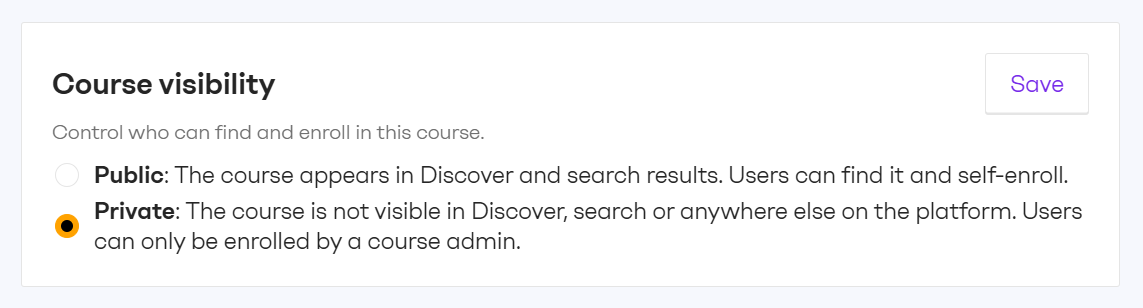
Private courses are for content that isn't meant for everyone. Course admins decide exactly who gets access, which is useful for sensitive material or programmes aimed at a specific audience. e.g. compliance training for a specific team, leadership programmes for a defined cohort or onboarding for a single department.
Public or private, set per course
Each course has a visibility setting that course admins control.
-
Public courses appear in ‘Discover more courses’ section and search results. Learners can enroll themselves.
-
Private courses are hidden from Discover, search and anywhere else on the intranet.
Access by enrollment only
Only users enrolled by a course admin can access a private course. It does not appear in any course listing and sharing a link does not give others access.
The visibility setting applies to courses created in ahead as well as courses imported from external sources. Course admins can switch a course between public and private at any time.
Want courses and training integrated with your intranet? Talk to your CSM about getting started with ahead Learning.


