

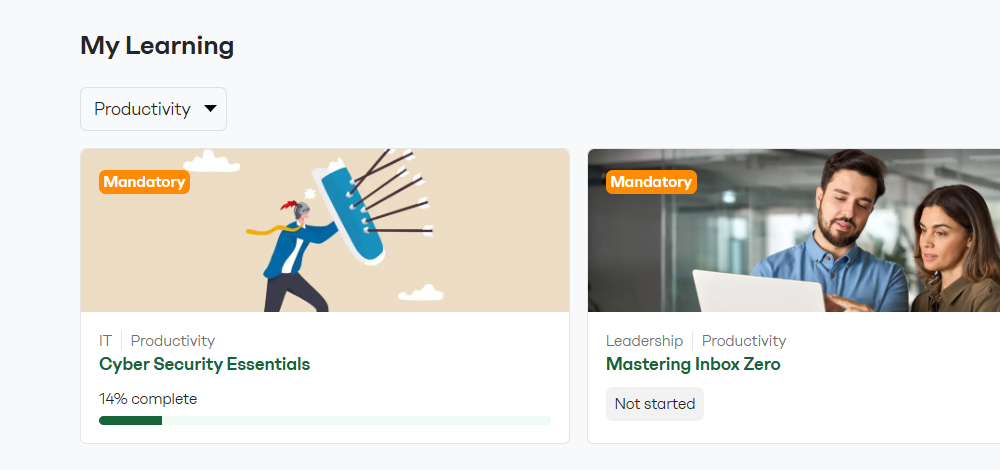
🔍 Filter by channel in My Learning
Learners and course admins can filter courses by channel to discover relevant content and stay organized across drafts and published courses.
🏷️ Assign channels in course settings
Course admins can pick from a list of predefined channels in the new Course channels section of each course's Settings tab. The channel list is managed by intranet admins in Company Settings.
🗃️ Channel names visible on cards and in course headers
Assigned channels appear as labels on course cards in My Learning and in the course detail page header, so learners can see the categorization at a glance.


